
Features
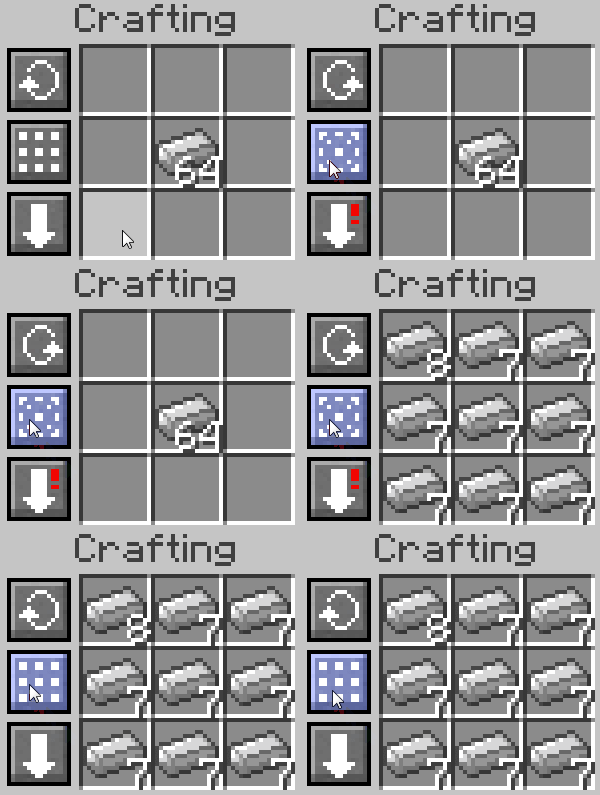
Spread Items
Hold shift while pressing the Balance button to spread items across the grid.
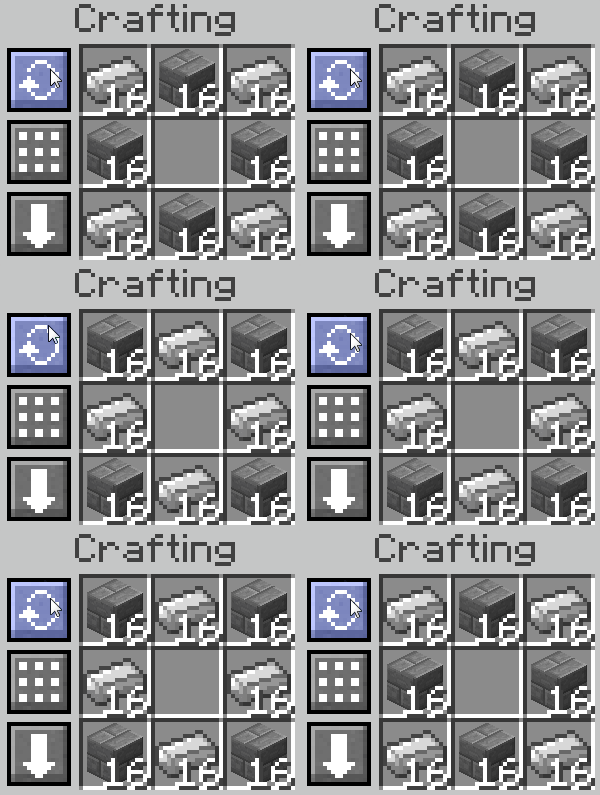
Rotate Grid
Rotate the grid. Hold shift while pressing the Rotate button to rotate counter-clockwise.
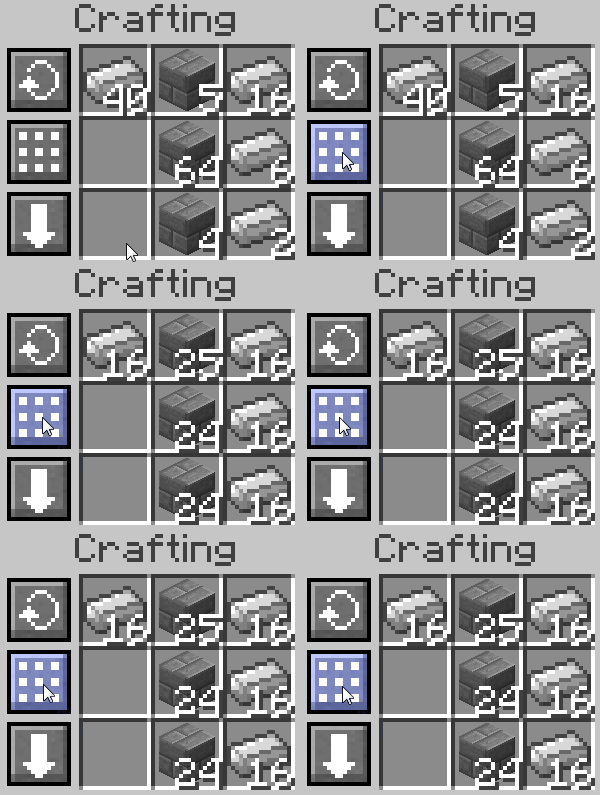
Balance Grid
Balance the grid. Hold shift to instead spread the grid.
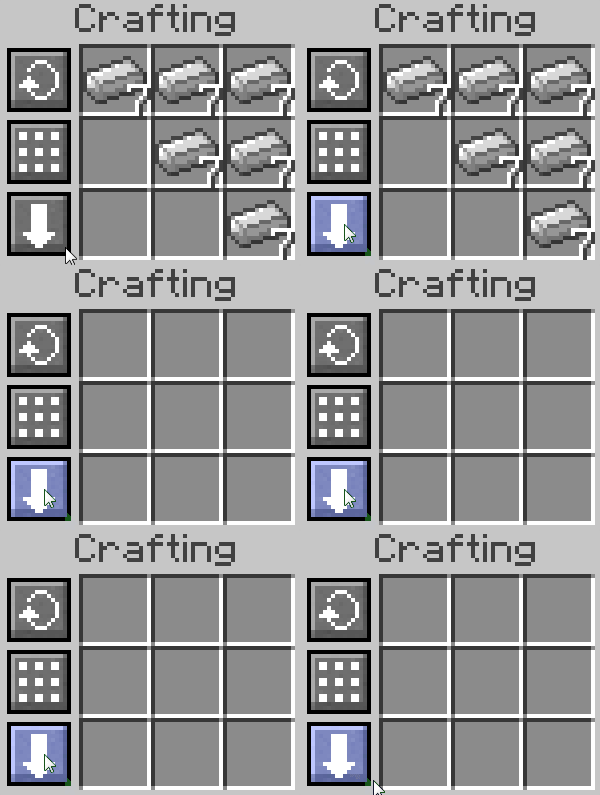
Clear Grid
Clear the grid. Hold shift while pressing the Clear button to force-clear the grid, dropping items to the ground if there is no more space in your inventory.
Hotkey Features
Some Crafting Tweaks features are primarily controlled through key bindings instead of buttons.
- Compress and decompress items: Press the configured key while hovering an inventory slot to craft between items and their 3x3 or 2x2 compressed forms. By default,
Kcompresses a stack,Ctrl+Kcompresses one item, andShift+Kcompresses all matching items. - Refill the last recipe: After crafting an item, press
Ctrl+Tabto refill one item per ingredient slot orTabto refill enough ingredients for a stack and balance the grid. - Transfer to grid: Bind "Transfer to Crafting Grid", then hold it while clicking an item stack to move it into the active crafting grid. Hold shift at the same time to transfer all matching stacks.
- Inventory crafting: The player inventory's 2x2 grid is supported for hotkeys, but Crafting Tweaks does not show buttons there.